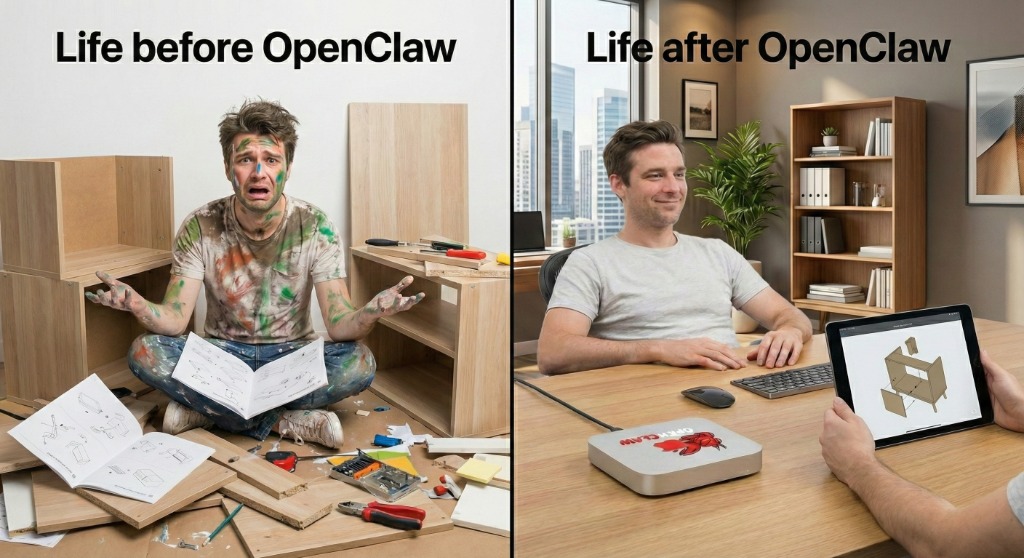
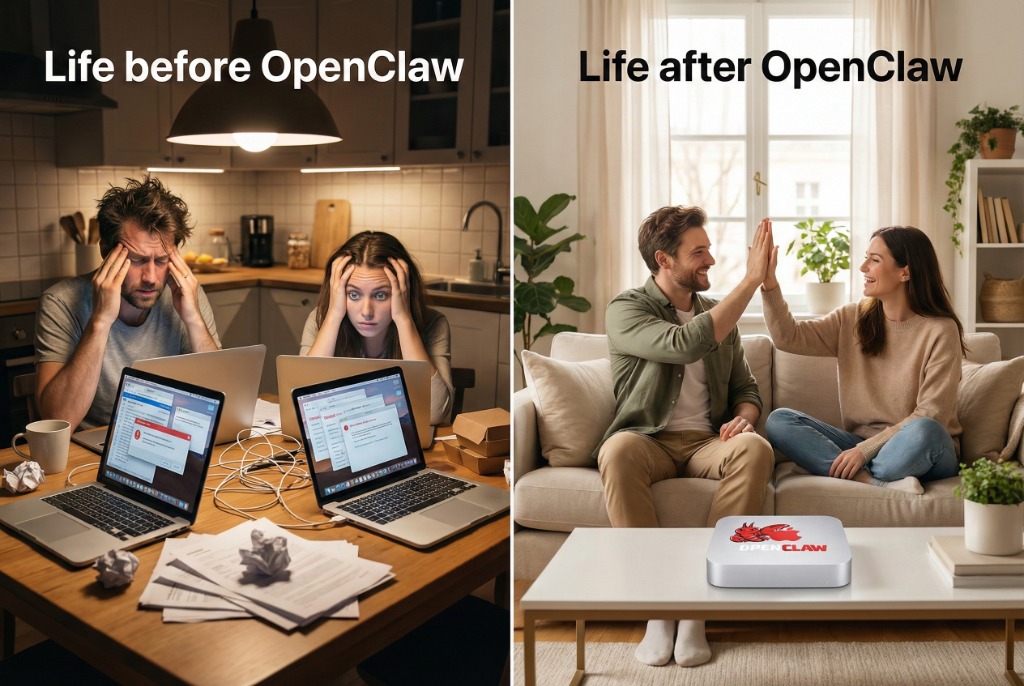
Stop burning cash on headcount. We install, configure, and tune autonomous AI agents on your Mac to do the work for you.
🔒 No data harvesting. No mystery scripts.
You keep control of your machine and your files.
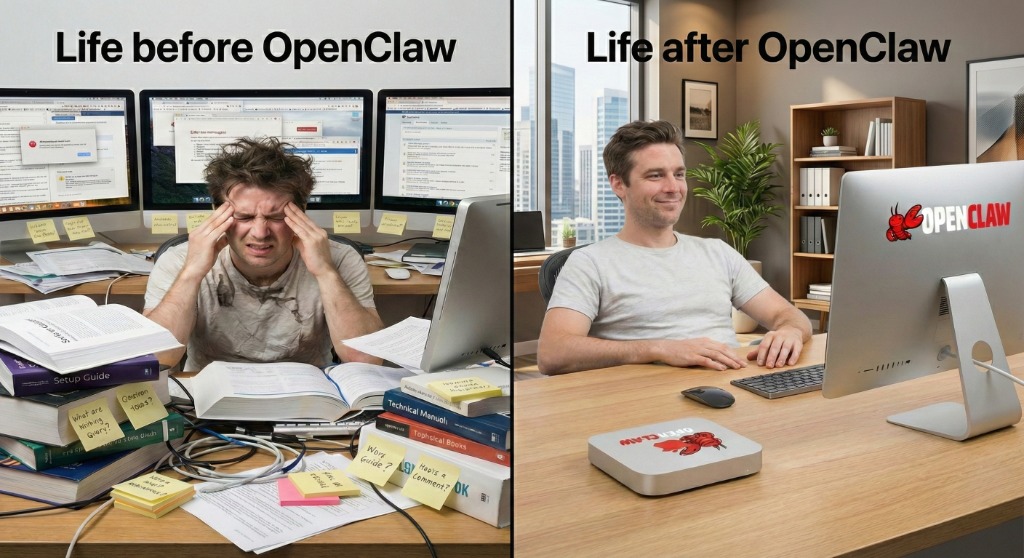
Stop struggling with docs. Get a production-ready setup in one session.
Real numbers from real installs. Zero marketing fluff.
Successful OpenClaw installs and setups since launch
Clients who would recommend our service
Minutes to answer support questions (30-day period)
Installs that work perfectly on the first visit
Comfortable with Terminal? Install OpenClaw yourself in under 5 minutes. If you hit a snag, our expert setup service is here to help.
Model selection, API keys, permissions, hardware optimization — DIY setup has hidden complexity. Skip the frustration and get a perfect setup in one session.
Book Expert SetupWatch a realistic installation demo. Four simple commands, zero confusion. See exactly what happens from npm install to AI agent ready.
One command gets you a fully functional AI workspace. No manual config files or complex setup required.
Your API keys stay local, encrypted at rest. OpenClaw never phones home with your data or credentials.
Connect to Claude, GPT-4, or local models instantly. Switch providers without breaking your workflows.
Pre-configured skills, memory system, and workflow templates. Start building automations immediately.
Your data stays on your Mac. We use industry-standard security practices to protect your privacy and ensure reliable service.
Zero cloud storage. Your files, conversations, and settings never leave your Mac unless you explicitly configure cloud models.
Verified SecureAPI keys, credentials, and personal data are encrypted using macOS Keychain. Protected by your system password.
AES-256 StandardOpenClaw doesn't phone home. No analytics, no usage tracking, no hidden data collection. Complete privacy by design.
Privacy-FirstBuilt on OpenClaw, an open-source AI agent framework. Transparent code means no hidden backdoors or data collection.
MIT LicensedAgents run in controlled environments with explicit permissions. You define what they can access — nothing more.
ContainerizedDirect access to experienced developers who know OpenClaw inside-out. No offshore support, no ticket queues.
Austin-Based TeamCompare your options — see why expert installation saves time, stress, and money.
Figure it out on your own
Professional setup & support
Freelance or agency setup
Ready to skip the headaches and get working AI on your Mac?
Book Your Setup Now
We don't just "install" software. We engineer a workflow that fits your Mac and your privacy.
We configure OpenClaw with strict permission boundaries. Your files stay yours. We define "safe zones" for AI context so sensitive data never leaks.
Whether you have an M1 Air or an M3 Max, we pick the model size that runs snappy without melting your battery.
Don't start blank. Includes templates for email, summaries, and research.
If an update breaks something, we fix it. Peace of mind included.
From first contact to full productivity — here's exactly what happens
Choose your package and pick a time that works for you. We'll send confirmation and prep details.
We review your workflow needs, privacy preferences, and hardware capabilities to design your perfect setup.
We install OpenClaw, configure your models, set up workflows, and tune everything for peak performance.
You get a hands-on walkthrough, documentation, and ongoing support to ensure you're confident and productive.
Choose the package that matches how deep you want to go.
Get it working reliably today.
Turn it into a daily habit.
For teams & consistent workflows.
†Automation depends on your tool stack.
Talk to usRemote setup available. On-site visits prioritized around Austin.
Pick a package, grab a time slot, and we'll get you running.
Everything you need to know about OpenClaw installation, setup, and support for your Mac.
Either — we customize based on your Mac and needs.
If your Mac has enough power (M1 Pro/Max/Ultra, M2/M3 series with 16GB+ RAM), we can configure local models that run entirely on your machine with zero cloud dependency.
If local models would slow things down or you prioritize reliability, we'll optimize a cloud setup using providers like OpenAI, Anthropic, or Google — configured for speed, cost-efficiency, and privacy.
You can also do hybrid: local for sensitive work, cloud for heavy tasks.
Not if configured properly — that's what we do.
We tune resource usage, model selection, and runtime settings to match your hardware. If local models would be too heavy, we recommend cloud alternatives.
We also set up smart scheduling so intensive tasks run when you're not actively using your Mac, and configure memory limits to prevent background processes from hogging resources.
No. We help you define safe boundaries.
During setup, we configure folder permissions and access rules so OpenClaw can only interact with directories you explicitly authorize (e.g., a "Work" or "Projects" folder).
We don't copy, transfer, or take your data. Everything stays on your Mac (or in your own cloud accounts if you choose cloud models).
We can also set up read-only access for sensitive directories, or completely block entire folders (like personal photos, financial documents, etc.).
Support is included — we fix it.
All packages include post-install support (30 days for Quick Install, 90 days for Pro Setup, 1 year for Team). If an OpenClaw update breaks your configuration, we troubleshoot and restore a stable version.
We also configure automatic backups of your config files so we can rollback quickly if needed.
For ongoing peace of mind, you can add priority support ($99/month) for same-day response and proactive monitoring.
Yes — Team Setup is designed for small businesses and agencies.
Our Team Setup package includes:
Need more than 5 users? We offer custom enterprise packages — contact us to discuss your needs.
No — we're an independent service provider.
We specialize in OpenClaw setup on Mac hardware, but we're not affiliated with Apple Inc. or the OpenClaw project. We're simply experts who love both ecosystems and want to help people get the most out of them together.
OpenClaw is open-source software (MIT licensed), so anyone can install it for free. What we offer is professional installation, optimization, and support to save you hours of troubleshooting and ensure a production-ready setup.
1-3 hours on-site, depending on your package.
Quick Install: ~1-1.5 hours (basic setup, minimal customization)
Pro Setup: ~2-3 hours (full tuning, workflow templates, training)
Team Setup: ~3-4 hours (multi-user config, shared resources)
We work efficiently and respect your schedule. If you need to pause and resume later, we can split the visit into multiple sessions.
No problem — just give us 24 hours notice.
Life happens. If you need to reschedule, contact us at least 24 hours before your appointment and we'll find a new time that works.
Cancellation policy: Full refund if you cancel 48+ hours before your appointment. 50% refund for 24-48 hours notice. No refund for same-day cancellations (but we can still reschedule if slots are available).
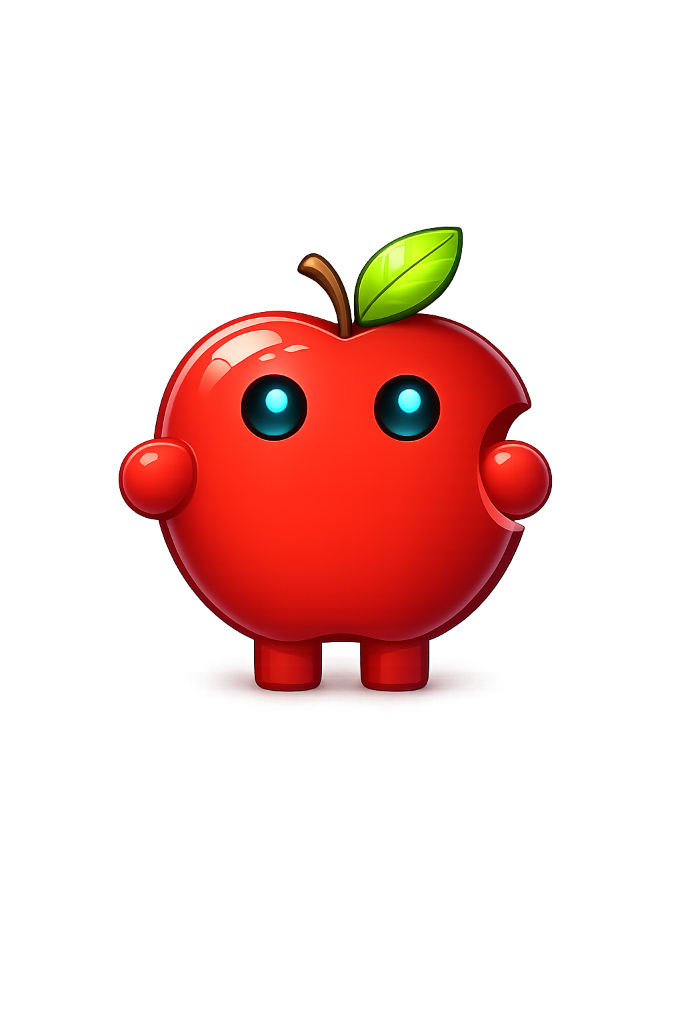
Our Official Mascot (and Chief Vibe Officer)
This is Clawintosh, our apple-shaped lobster! Half crustacean, half crisp fruit, he's here to ensure your Mac setup is as fresh as a Honeycrisp and as snappy as a Maine claw. Whether he's hunting down system bloat or just hanging out in your dock, Clawintosh is your new best friend for all things Mac.